Backups that run themselves, in the US.
Your business process box or office storage sends an encrypted copy to the cloud each night. Need more room, or a copy you can hold? Add a box.
Price on request. No obligation. No obligation.
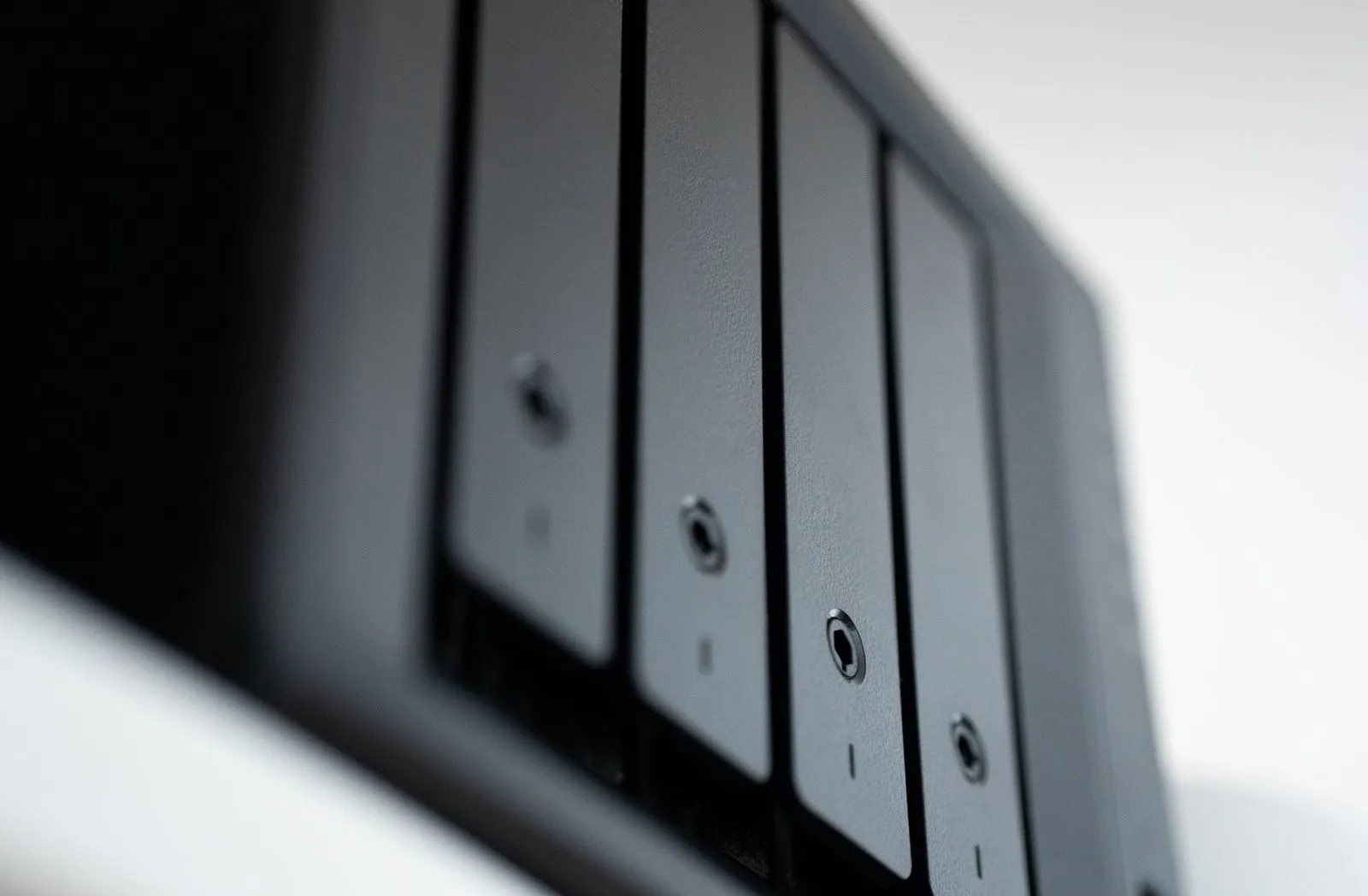
Three copies, three places
If one place fails, the next copy is somewhere else. A business process box or office storage keeps two as standard. A third is optional.
- Copy 1 · Included
On the box
Snapshots on the box itself. Get back a file someone deleted this morning.
Every hourSee how it works → - Copy 2 · Standard, not air-gapped
In the cloud
Encrypted on the box before it leaves, then locked read-only in a data centre in the US.
Every nightAdd cloud backup → - Copy 3 · Optional
In your office or off site
A box in your office or somewhere else, like the owner's home. Fast restores over your own network.
Every hourAdd a backup box →
See how it works, then pick what you need
Click anything to watch it work. The backup box and office storage come with everything under Core; cloud backup keeps a locked, encrypted copy each night.
Automatic backups
CoreOffice storage snapshots its shared folders every hour. If you have a business process box, it sends its hourly snapshots there too. Nobody has to remember to run a backup.
Get a file back
CoreSomeone deletes or breaks a file? Pick the time, and the earlier version comes back next to the current one. Nothing is overwritten.
Locked backup copies
CoreEach backup copy is read-only for a period you agree with us, and nothing on the office network can delete it. That helps protect it from ransomware and office mistakes.
Disks that cover for each other
CoreDisks are set up in pairs or with parity, so one failing disk loses nothing, and they are encrypted so they need the key to be read.
Shared folders
CoreStaff sign in with their usual login and see the shared folders they are allowed to see.
Disk health checks
CoreThe box checks its disks and warns you when one starts to wear out. On an air-gapped setup, the warning shows in the dashboard if you also have a business process box. With our support, we swap the disk for you.
UPS
Add-onA battery backup so a power cut does not stop it mid-write. Included with office storage, optional with the backup box.
Move your existing data
Add-onWe move the files you already have onto office storage and set up the access rules.
Quarterly restore test
Add-onWith our support, we restore a folder every quarter and check every file opens.
Need more additions?
Tell us the problem. We'll build it on open source tools and add it to your box.
* Examples are simulated. Real screens may look different, and the AI's speed depends on use and hardware.
Choose how much you keep, and where
Cloud backup is our default. Add a backup box for a copy you own, and office storage if you keep a lot of big files. Pick one or more.
Cloud backup
SuggestedNothing to buy up front. You pay the provider by the TB.
Backup box
SuggestedAt the owner's home or a second office, or in your office when air-gapped.
Office storage
SuggestedShared folders for video, images and years of scans.
Built for privacy
Your data, your choice of place
Encrypted cloud backup in the US by default. Add a backup box at the owner's home or a second office. Air-gapped: the backup box sits in your office instead of the cloud.
Copies kept read-only
Each backup copy is locked for a period agreed with you, so nobody on the office network can change or delete it.
Restores are logged
Every restore is recorded: who brought back which files, and when. The record is there when you need to show it.
You decide how long copies are kept
Daily, monthly and yearly copies are kept on a schedule set up with you, and old ones are removed on time.
Staff sign in as themselves
Each person has one login for office storage, the same one they use on the business process box if you have one. Their access ends when they leave.
A record of the setup
A written summary of where copies go, how they are protected and who can restore them, for your privacy records.
Need to show your boss or auditor how the setup covers your privacy duties?
We walk you through it in the free assessment and give you a written record of the setup, for your privacy records.