Backups that run themselves, in India.

Your business process box or office storage sends an encrypted copy to the cloud each night. Need more room, or a copy you can hold? Add a box.

Price on request. No obligation. No obligation.
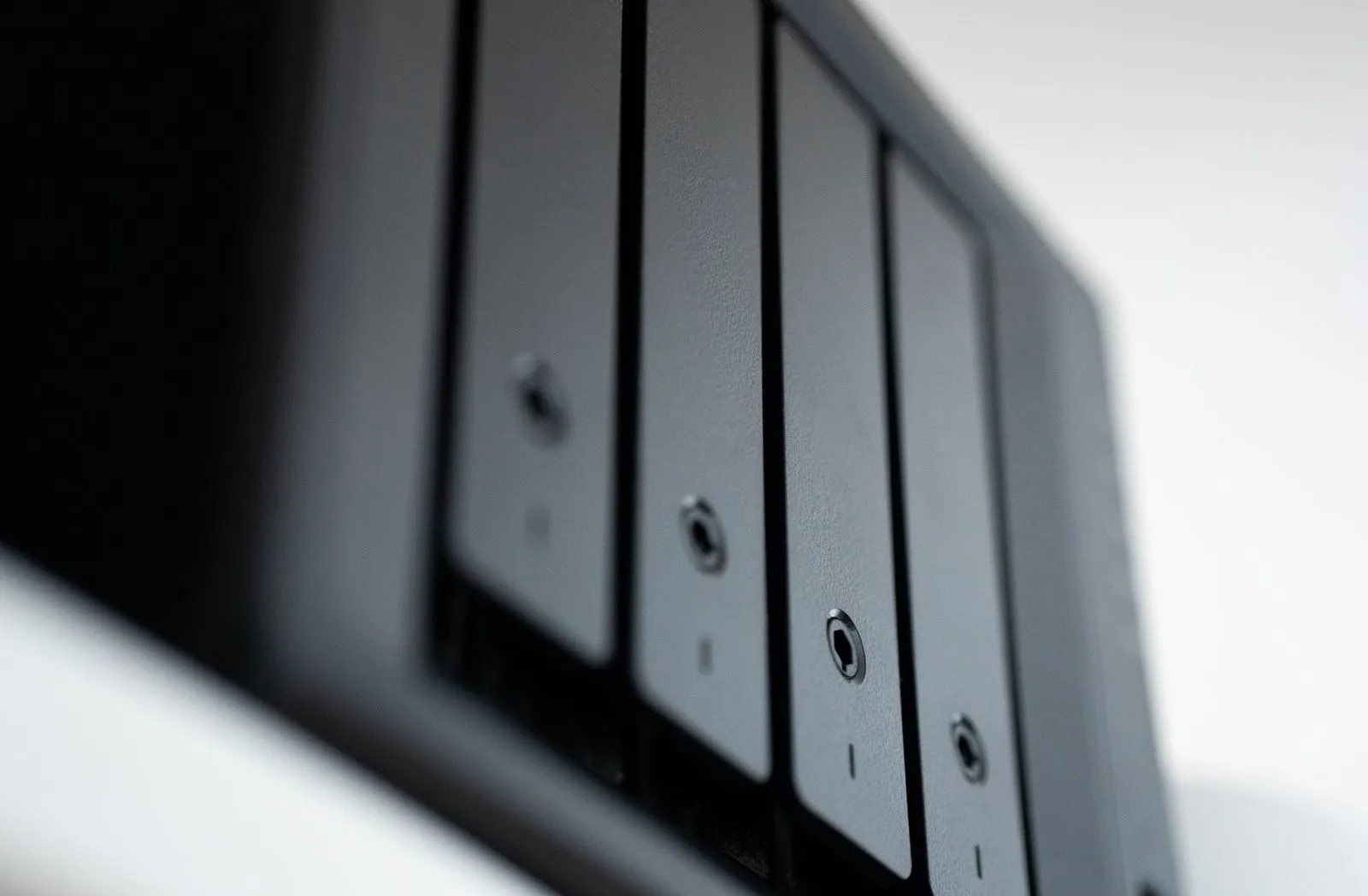
Close-up of the drive bays on a black backup box

See how it works, then pick what you need

Click anything to watch it work. The backup box and office storage come with everything under Core; cloud backup keeps a locked, encrypted copy each night.

Included on every box
Core
Core
Core
Core
Core
Core
Add to your stack
Custom

Automatic backups

Core
Backups · monitoringLast 24 hAuto-refresh
All good. Last snapshot 3 minutes ago.
Last snapshot14:00
Snapshots today15
Space used3.1 of 8 TB
Disks2 healthy
Snapshots received per hour00:00 → 23:00
14:00Snapshot received from the business process box
13:00Snapshot received
12:00Snapshot received

Office storage snapshots its shared folders every hour. If you have a business process box, it sends its hourly snapshots there too. Nobody has to remember to run a backup.

Included on every box

Get a file back

Core
Backups · monitoringLast 24 hAuto-refresh
Restored Budget_${Y}.xlsx from 11:00.
FileBudget_${Y}.xlsx
Version11:00
Restored byPriya N.
Took40 seconds
Versions of Budget_${Y}.xlsx00:00 → 23:00
11:52Restored next to the current file
11:51Version from 11:00 picked
11:50Restore asked for

Someone deletes or breaks a file? Pick the time, and the earlier version comes back next to the current one. Nothing is overwritten.

Included on every box

Locked backup copies

Core
Backups · monitoringLast 24 hAuto-refresh
Unusual changes on the office side. Earlier copies are still read-only.
Office sideUnusual
Backup copyLocked
Last clean copy13:00
We were alerted13:42
Files changed per hour (office side)00:00 → 23:00
13:42Alert sent to us and the owner
13:40Change attempt from office blocked
13:00Last clean snapshot

Each backup copy is read-only for a period you agree with us, and nothing on the office network can delete it. That helps protect it from ransomware and office mistakes.

Included on every box

Disks that cover for each other

Core
storage.yourcompany.localRuns on your box
DisksOffice storage · mirrored pair
Disk 112 TB · encryptedHealthy
Disk 212 TB · encryptedHealthyDisk 2Stopped workingFailed
Still running on Disk 1. Nothing lost, nobody noticed.
New Disk 2 fitted · copying from its twin
Mirror healthy againThe disks need the key to be read
Example*· Stays on your box· Logged, kept as you set

Disks are set up in pairs or with parity, so one failing disk loses nothing, and they are encrypted so they need the key to be read.

Included on every box

Shared folders

Core
storage.yourcompany.localRuns on your box
File Explorer · signed in as mei–□×
\\office-storage\Shared
Clients
Templates
Video
HROwners only
Mei sees the folders she is allowed toHer usual login
Example*· Stays on your box· Logged, kept as you set

Staff sign in with their usual login and see the shared folders they are allowed to see.

Included on every box

Disk health checks

Core
Backups · monitoringLast 24 hAuto-refresh
Disk 2 shows early errors. Data is safe on disk 1. Swap booked.
Disk 1Healthy
Disk 2Early errors
DataSafe (mirror)
SwapTomorrow 10:00
Disk 2 read errors per hour00:00 → 23:00
09:15Swap booked with the company
09:02Warning sent to us
08:00Disk 2 error count rising

The box checks its disks and warns you when one starts to wear out. On an air-gapped setup, the warning shows in the dashboard if you also have a business process box. With our support, we swap the disk for you.

Included on every box

UPS

Add-on
storage.yourcompany.localRuns on your box
PowerOffice storage · UPS
14:02Power cut. Running on battery, 12 minutes left
14:02Finishing the files being saved
14:04Shut down safely, nothing half-written
14:20Power back. Started again on its own
The owner gets an alertIncluded with office storage
Example*· Stays on your box· Logged, kept as you set

A battery backup so a power cut does not stop it mid-write. Included with office storage, optional with the backup box.

Move your existing data

Add-on
storage.yourcompany.localRuns on your box
Moving your filesDone by us at setup
Old shared drive9,120 filesFound
Dropbox2,870 filesFound
Laptops, 3 staff490 filesFound
Copying and checking every file
12,480 files moved and checked. Sorted into Clients, Templates and HR, with access rules set.
Example*· Stays on your box· Logged, kept as you set

We move the files you already have onto office storage and set up the access rules.

Quarterly restore test

Add-on
Backups · monitoringLast 24 hAuto-refresh
Q2 restore test passed. Report sent to the owner.
TestQ2 2026
Files checked12,480
Opened fine100%
Next testJul 2026
Restore test, files checked00:00 → 23:00
10:30Report sent to the owner
10:20Every file opened
09:00Full client folder restored to a test spot

With our support, we restore a folder every quarter and check every file opens.

+Custom

Need more additions?

Tell us the problem. We'll build it on open source tools and add it to your box.

Step 1Understand the problemWe take your requirements and learn how the work is done today.
Step 2Show a solutionWe build a working version on open source tools and show it to you.
Step 3Improve it togetherYou try it. We change it until it fits the way you work.
Step 4Put it to workWe set it up on your box, and your staff use it every day.

* Examples are simulated. Real screens may look different, and the AI's speed depends on use and hardware.

Choose how much you keep, and where

Cloud backup is our default. Add a backup box for a copy you own, and office storage if you keep a lot of big files. Pick one or more.

TB
Your data2 TBWe suggestCloud backup
Prices are set in the free assessment.

Cloud backup

Suggested
Our default

Nothing to buy up front. You pay the provider by the TB.

Price on request
Paid to the provider by the TB
Where it livesA data centre in India
SpaceGrows with you
CopiedEvery night
Locked copiesRead-only for a set period
Runs onA provider we pick with you
Air-gappedNot possible
Needs internetCopies go to a cloud provider over the internet.

Backup box

Suggested
A second copy you own

At the owner's home or a second office, or in your office when air-gapped.

Price on request
Quoted with setup included
Where it lives
SpaceSized to your data, up to 24 TB
CopiedEvery hour
Locked copiesRead-only for a set period
Runs onMirrored or parity disks, picked for your data
Air-gappedNo
Needs internetOff site, the box gets its copies over the internet.

Office storage

Suggested
A shared drive for big files

Shared folders for video, images and years of scans.

Price on request
Quoted with setup included
Where it livesIn your office
SpaceSized to your data, grows 2 disks at a time
CopiedSnapshots every hour
Backed up toThe cloud or a backup box
Runs onMirrored or parity disks, UPS
Air-gappedWorks with no internet

Built for DPDP Act

Your data, your choice of place

Encrypted cloud backup in India by default. Add a backup box at the owner's home or a second office. Air-gapped: the backup box sits in your office instead of the cloud.

Copies kept read-only

Each backup copy is locked for a period agreed with you, so nobody on the office network can change or delete it.

Restores are logged

Every restore is recorded: who brought back which files, and when. The record is there when you need to show it.

You decide how long copies are kept

Daily, monthly and yearly copies are kept on a schedule set up with you, and old ones are removed on time.

Staff sign in as themselves

Each person has one login for office storage, the same one they use on the business process box if you have one. Their access ends when they leave.

A record of the setup

A written summary of where copies go, how they are protected and who can restore them, for your DPDP Act records.

Need to show your boss or auditor how the setup covers your DPDP Act duties?

We walk you through it in the free assessment and give you a written record of the setup, for your DPDP Act records.

What we handle, and what stays with your company →

Just a quick chat

Tell us what you use today and what has to stay private. We'll suggest a setup and tell you what it costs. No obligation.

We're taking early interest now. Assessments start in early 2027.

What do you need? (optional)
Terms and conditions

We only use your details to reply about your assessment. Privacy policy

Straight answers

Anything else, just ask us.

Can we get office storage on its own?

Yes. You get shared folders with staff logins, hourly snapshots on the box and a nightly encrypted cloud backup. With a business process box, it can also keep a third copy of that box. Air-gapped, there is no cloud: a backup box in your office keeps the second copy, at extra cost, up to about 24 TB (more: ask us).

Do accounting companies need one?

Usually not. Their documents fit on the business process box for years, and it already keeps two copies: hourly snapshots and a nightly encrypted cloud backup. (Air-gapped: a backup box in your office instead of the cloud, at extra cost.) Add a backup box if you want a third copy you hold yourself.

Why not just buy a NAS from a shop?

You can. Ours costs more because we set up automatic, locked backups and test that restores work. It runs on the same base as the business process box.

Where does the backup box go?

Anywhere with power and internet: the owner's home, a second office, or another room. On an air-gapped setup it is placed in your office.

Is cloud backup cheaper?

Often, yes, for companies with little data. The backup is encrypted on the box before it leaves, and copies are kept read-only for a set period. We quote it in the free assessment.

Is checking the backups extra?

No. If we support you after handover, backup checks, the quarterly restore test and disk health are part of it.

0 of 4 done
Pick features and a box as you scroll
Next: what you need